What's new in our apps
New features and improvements, as they ship.

 Potty Whiz
Log a potty trip with Siri
Hands busy in the bathroom? Ask Siri to log a pee or a poop, and to tell you how long until the next potty break. On iPhone and Android, touch and hold the Potty Whiz icon to log or start a timer in one tap.

 Doggy Time
Log a pee with Siri
Hands full on a potty break? Ask Siri to log it, and to tell you when your pet last went. On Android and iPhone, touch and hold the Doggy Time icon to jump straight to logging.
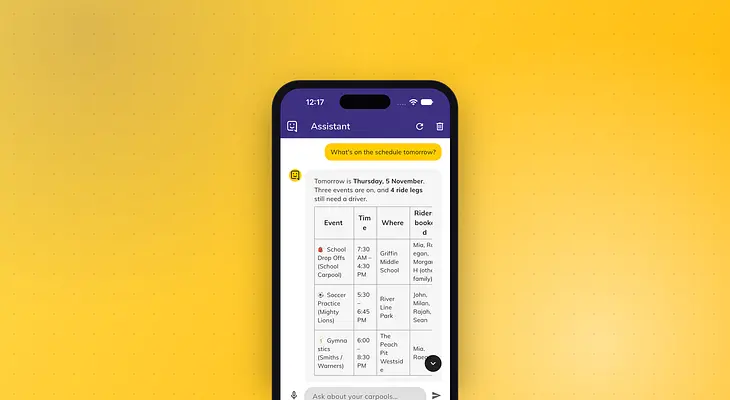
 Kid Hop
Ask Kid Hop who's driving, and let it sort out the rest
The Kid Hop Assistant answers questions about your carpools in plain words, and makes changes for you, like signing you up to drive. It's part of Kid Hop Premium.
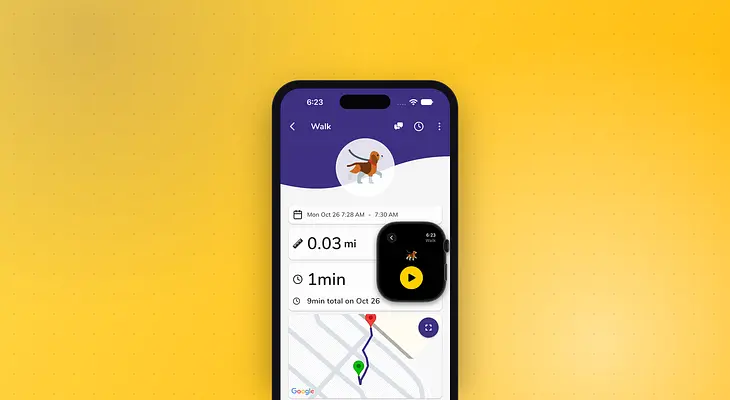 Doggy Time
Track walks on a map, with Apple Watch, Wear OS and Apple Health
Record your dog's walks with the time, the distance and the route on a map, from your phone, your Apple Watch or your Wear OS watch. Walks from your Apple Watch are also saved to Apple Health.
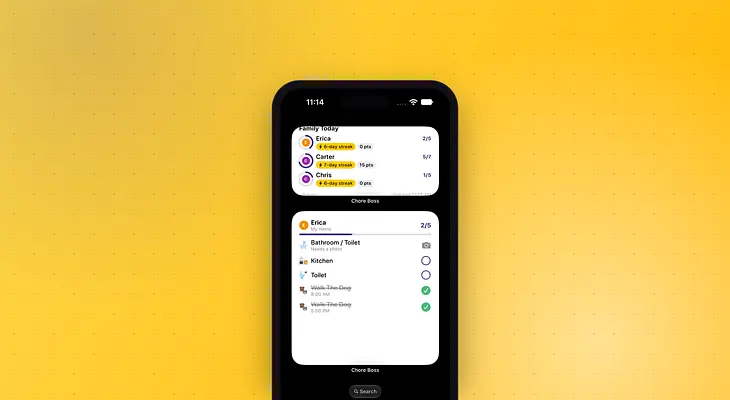
 Chore Boss
Tick off chores from your Home Screen
Chore Boss widgets show today's chores, streaks and balances without opening the app, and on iPhone you can ask Siri what's left.
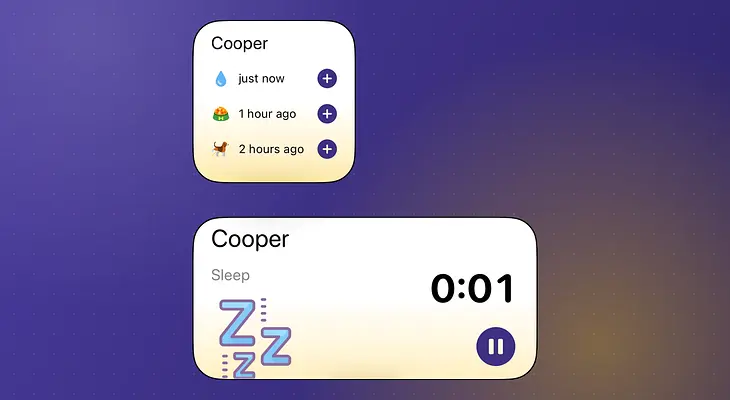 Doggy Time
🏠 Home Screen Widgets: Quick Logging & Activity Timers
New iOS widgets for instant activity logging and timer-based tracking, right from your home screen.
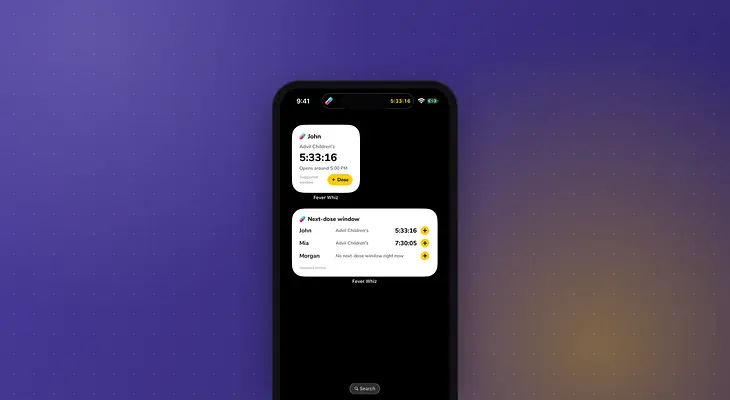
 Fever Whiz
See the next-dose window without opening Fever Whiz
Fever Whiz can now count down to the suggested next-dose window on your Lock Screen, let you know when it opens, and show it in a Home Screen widget. On an iPhone, you can also ask Siri.
 Kid Hop
Plan the fastest route for every pickup and drop-off
When you drive, Kid Hop lists the stops for the riders in your car and opens them in your maps app. With Kid Hop Premium, it puts them in the fastest order and tells you when to leave.
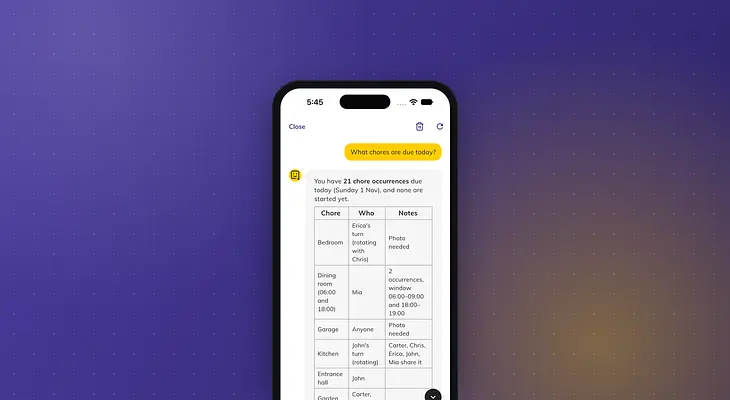 Chore Boss
Ask the Assistant about your family's chores
The Chore Boss Assistant answers questions about your family's chores, balances and points, and can add or change chores for you when you ask.