Take turns
Premium
No more “whose turn is it?”
Rotate passes a chore from one kid to the next, room by room.
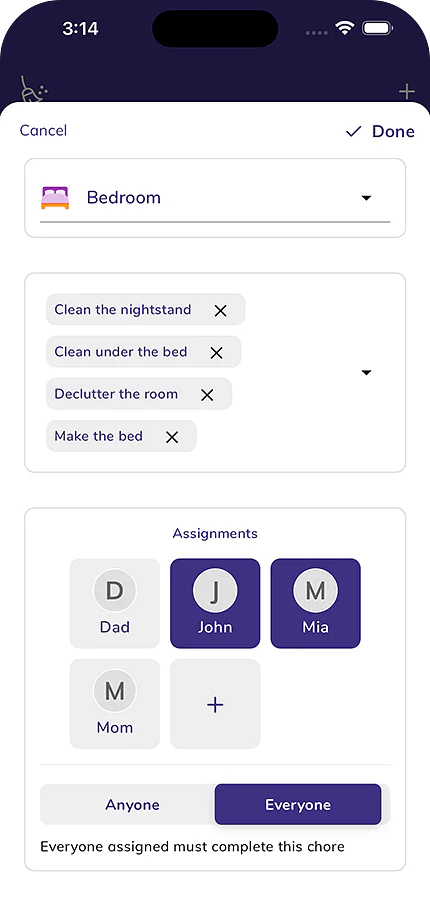
Chores by room and by turn, the money kids earn for them, and a balance the whole family can see. Free to start.


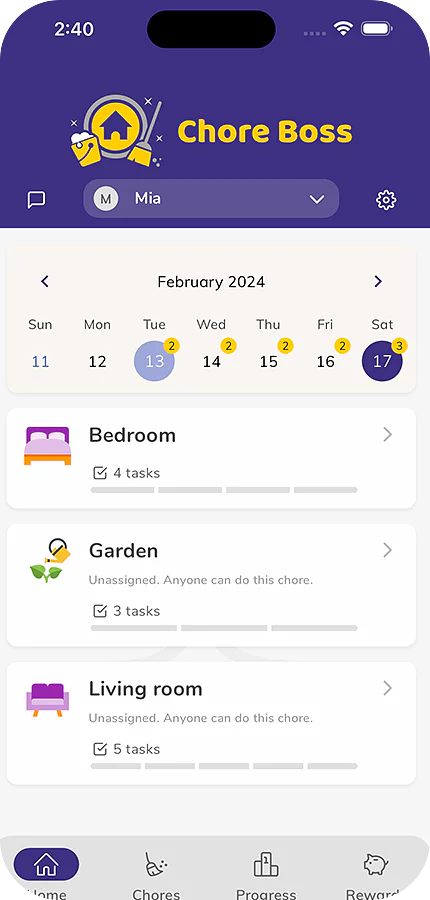
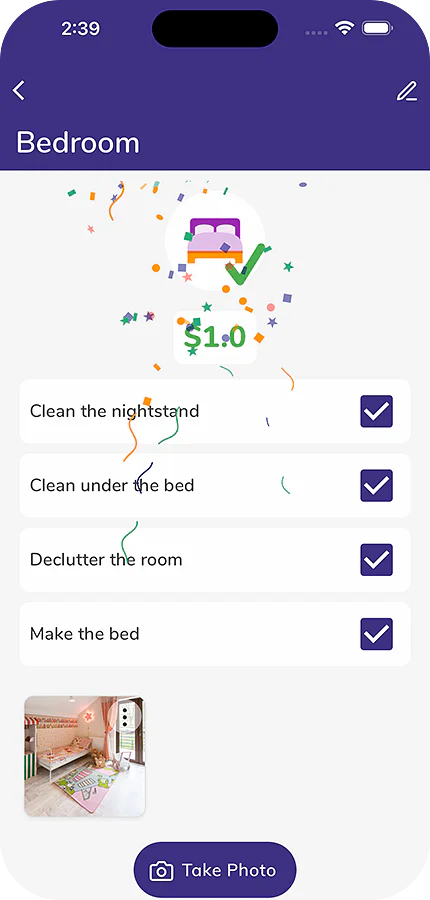
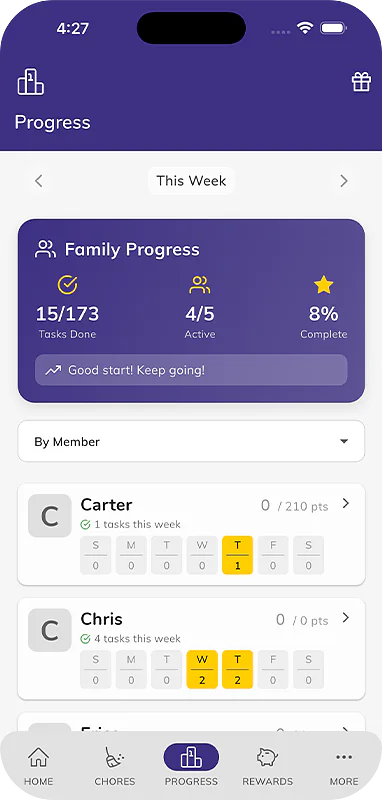
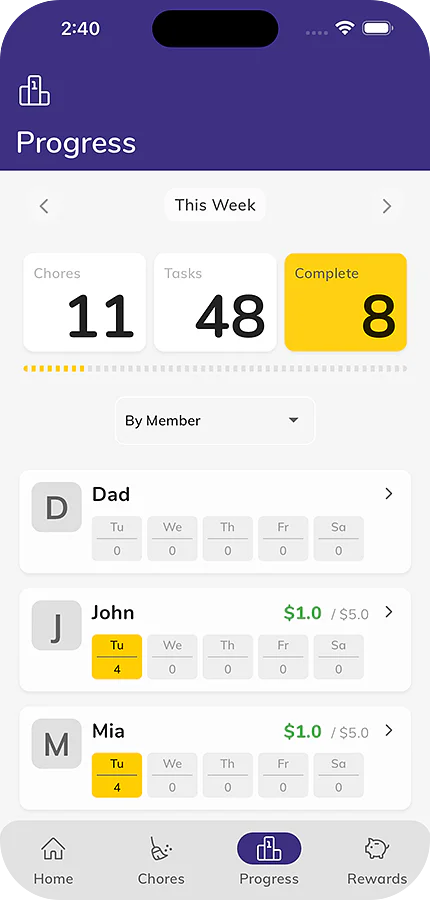
Rotate passes a chore from one kid to the next, room by room.
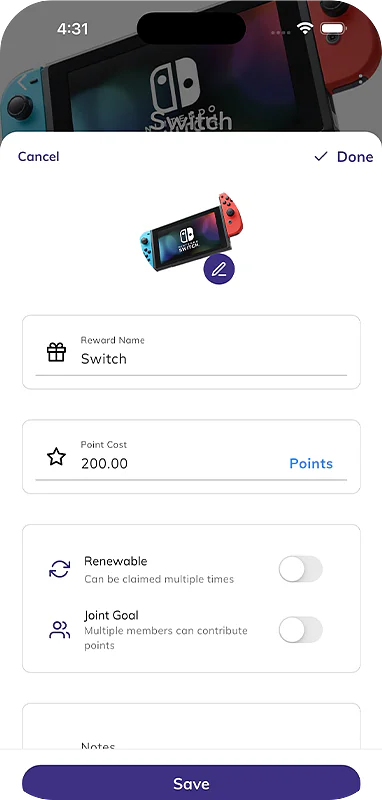
Create your own rewards, from a later bedtime to a day out, that kids save up their points for.
Kids add a photo when they finish, and a before photo too if you ask for one.
Your Family Insights in full: chores done and money earned over weeks and months.
Chores and rewards for each household, from shared custody to the holiday home.
Add the tasks that fit your home, with their own points.
Ask Tibbs a question, or log something in one sentence. Answers come from the family's shared log.
 Today's chores
Emma, 10, and Jack, 7
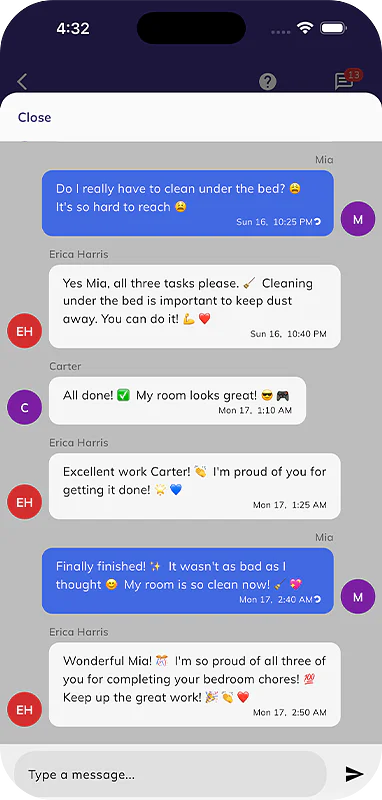
Everyone in the family sees each entry as it is logged.
 Tibbs
Chore Boss assistant
A sample family. Tibbs answers from their log only. Questions you type are kept for 90 days to improve the demo.
Chore Boss saved my sanity with three kids who suddenly want to do their chores! The allowance tracker finally taught my little monsters that money doesn't grow on mommy trees!
Fun way to build good habits for kids
I’ve been using it for a few weeks to engage the kids in household duties. I think this app is a great way to put kids on good footing when it comes to chores…resistance and apathy notwithstanding. The rewards are a good incentive and also keeps me honest and accountable to my kids. With time, I hope they outgrow the $ rewards and start to simply look forward to the delight & thrill of a clean house.
Thank you for creating such a wonderful app! It has made my daily life so much easier and more organized. I truly appreciate the attention to detail, the user-friendly design, and the continuous improvements. Keep up the amazing work
From the Chore Boss help center.
Open the app's menu or Settings and tap Sign In, then choose Sign in with Apple, Sign in with Google, or your email. Email sign-in sends a 6-digit code to check. Read the article
Your data loads after you sign in, so wait a minute. If it's still missing, check you're using the email you first signed in with, then re-sync under My Account. Read the article
Tap + then Invite Family, pick the person's profile and tap Invite, then share a QR code or link. They open Chore Boss, tap Settings, then Join a Home to scan or paste it. Read the article
Add your child as a member in Settings under My Homes, then tap Invite next to their name and have them tap Join a Home on their own device. No email or account needed. Read the article
Free covers up to 5 chores in one home with reminders and rewards. Premium unlocks unlimited chores and extras like Photo Required and Rotate, shared with everyone in your home. Read the article
Apple or Google handles cancellations and refunds, so cancel in your iPhone Settings under Subscriptions or in Google Play, not by deleting the app. You keep Premium until the period ends. Read the article
Chore Boss
Room Cleaning Checklist for Kids
Get a step-by-step cleaning checklist designed for kids. Choose a room and your child's age for age-appropriate...
Try it
Chore Boss
Kids Allowance Calculator
Calculate the right allowance for your child based on age, chore expectations, and your family's values. Compare to...
Try it
Chore Boss
Age-Appropriate Chores for Kids by Age (2-17)
Find the perfect chores for your child's age. Our tool suggests developmentally appropriate tasks organized by room...
Try it
On iPhone, iPad and Android.