轮流做
Premium
再也不用问「轮到谁了?」
Rotate 功能会让孩子们按房间逐个轮流接手家务。
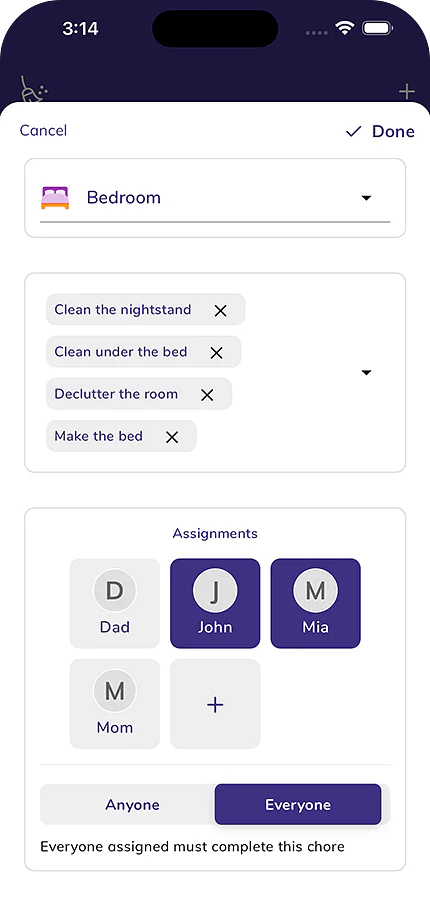
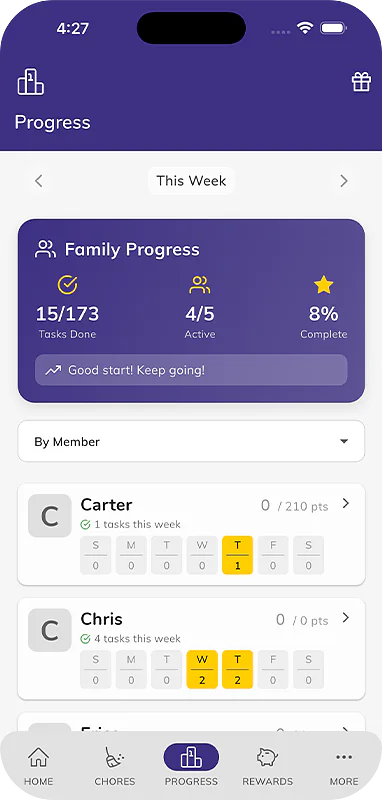
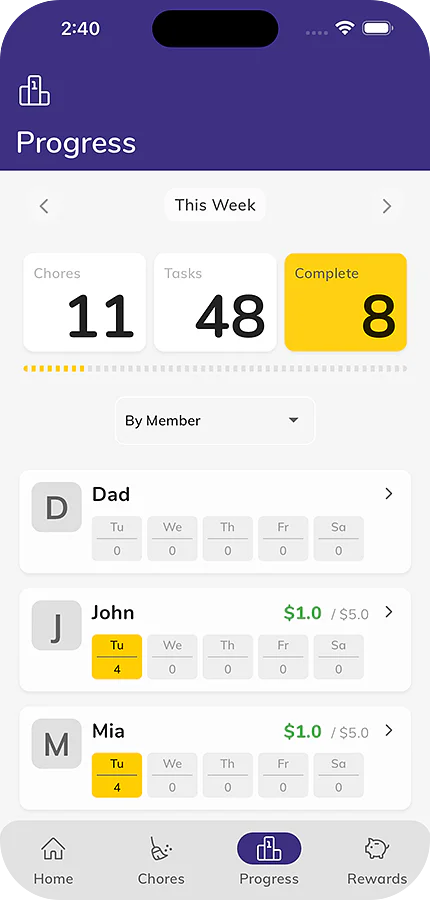
按房间和轮流分配家务,孩子因此赚到的零花钱,以及全家人都能看到的余额。免费开始使用。


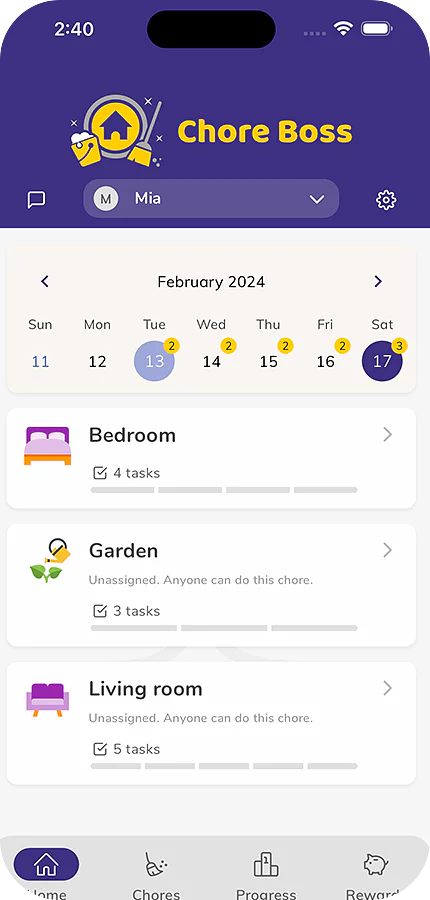
Rotate 功能会让孩子们按房间逐个轮流接手家务。
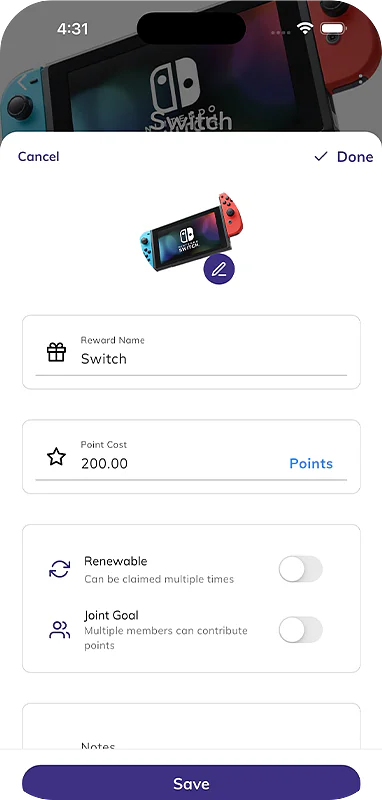
创建你自己的奖励,从晚睡一会儿到外出游玩,孩子们可以攒积分来兑换。
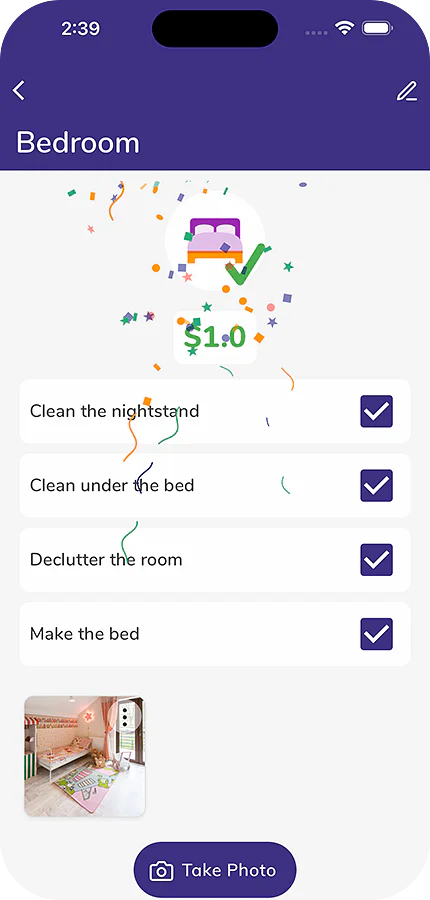
孩子完成任务后可以添加一张照片;如果你要求,也可以添加一张任务前的照片。
家庭数据洞察全览:按周和按月查看完成的家务和赚取的零花钱。
为每个家庭住所设置家务和奖励,无论是共同监护的家,还是度假屋。
添加适合您家庭的任务,并为每项任务设置专属积分。
向 Tibbs 提问,或用一句话记下某件事。回答都来自这个家庭的共享记录。
 今天的家务
Emma,10 岁;Jack,7 岁
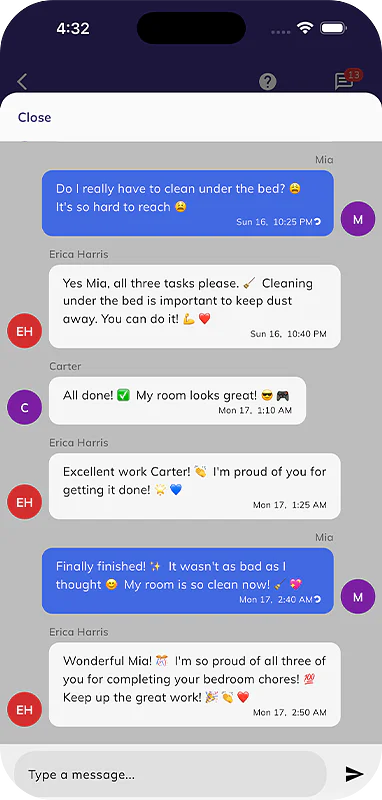
每条记录一添加,全家人都能看到。
 Tibbs
Chore Boss 助手
示例家庭。Tibbs 只根据他们的记录回答。 你输入的问题会保存 90 天,用于改进演示。
Chore Boss saved my sanity with three kids who suddenly want to do their chores! The allowance tracker finally taught my little monsters that money doesn't grow on mommy trees!
Fun way to build good habits for kids
I’ve been using it for a few weeks to engage the kids in household duties. I think this app is a great way to put kids on good footing when it comes to chores…resistance and apathy notwithstanding. The rewards are a good incentive and also keeps me honest and accountable to my kids. With time, I hope they outgrow the $ rewards and start to simply look forward to the delight & thrill of a clean house.
Thank you for creating such a wonderful app! It has made my daily life so much easier and more organized. I truly appreciate the attention to detail, the user-friendly design, and the continuous improvements. Keep up the amazing work
来自 Chore Boss 帮助中心。
打开应用的菜单或设置,点击“登录”,然后选择“使用 Apple 登录”、“使用 Google 登录”或您的电子邮箱。电子邮箱登录会发送一个 6 位验证码用于确认。 阅读文章
登录后数据会加载,请稍等一分钟。如果数据仍然缺失,请检查您是否使用最初登录时的邮箱,然后在「我的账户」下重新同步。 阅读文章
点击 +,然后点击「邀请家庭成员」,选择对方的个人资料并点击「邀请」,然后分享二维码或链接。对方打开 Chore Boss,点击「设置」,然后点击「加入家庭」,扫描或粘贴链接即可。 阅读文章
在“设置”中的“我的家庭”下将孩子添加为成员,然后点击其姓名旁边的“邀请”,并让孩子在自己的设备上点击“加入家庭”。无需电子邮件或账户。 阅读文章
免费版支持一个家庭最多 5 项家务,包含提醒和奖励。高级版解锁无限家务及需要照片、轮流等更多功能,并与家中所有成员共享。 阅读文章
Apple 或 Google 负责处理取消订阅和退款,因此请在 iPhone 的“设置”中的“订阅”下取消,或在 Google Play 中取消,而不是删除应用。在当前订阅周期结束前,您仍可继续使用 Premium 功能。 阅读文章
支持 iPhone、iPad 和 Android。